

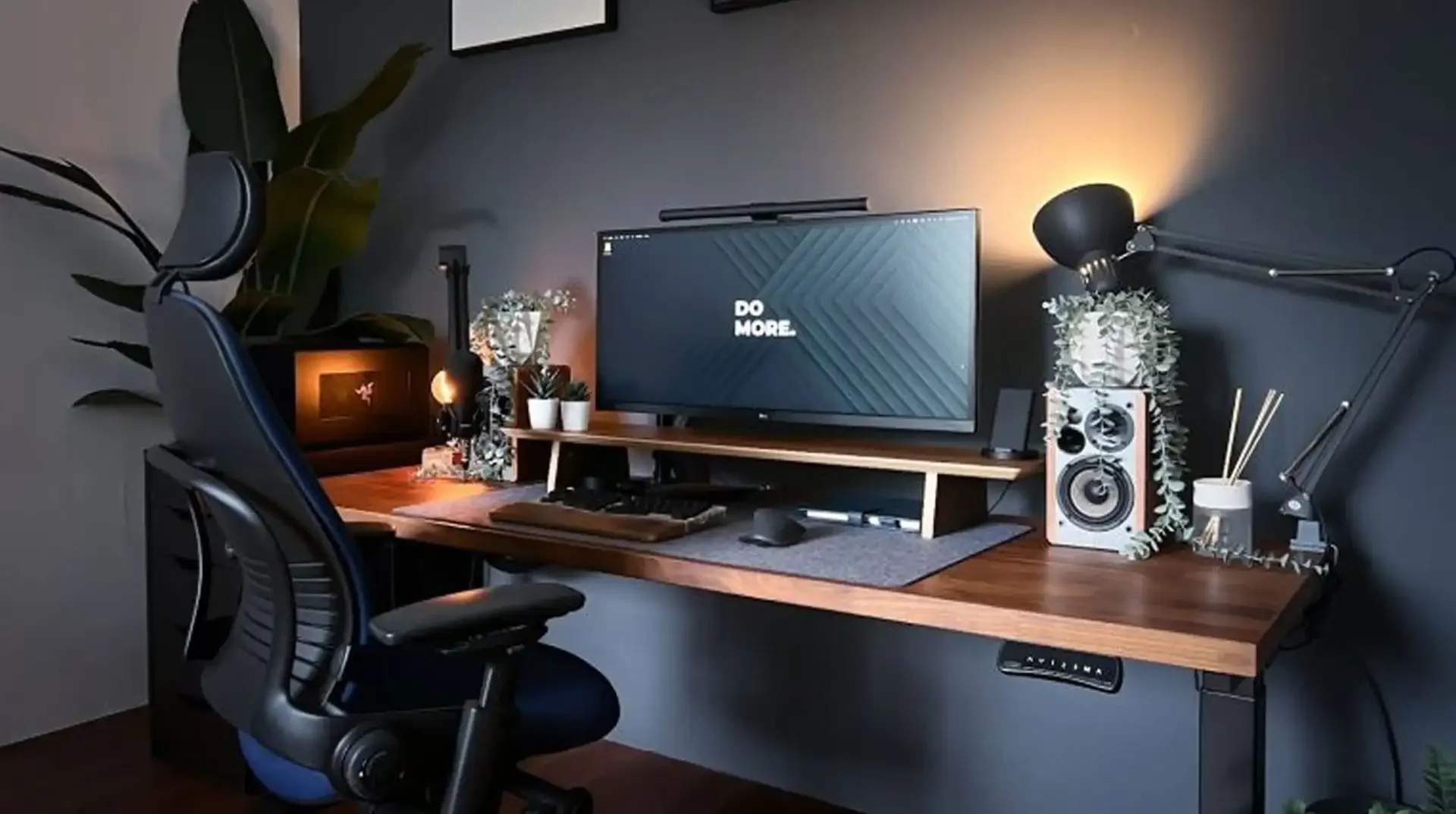
In today’s professional world, work from home has become very common. Working remotely offers flexibility and comfort – modern way to stay productive! But setting up a home office doesn’t always have to expensive. With some right choices, you can create a powerful office setup while staying in your budget. Whether you’re a professional or a freelancer, this blog will guide you some smart ways to build a powerful home office setup without overspending.
Start with What You Already Have
Rather than buying new office supplies, consider what you already have. You just need to make an office supplies list, keep marking the things you already. Here is a list of few things you can consider to build a best home office setup,
-
Any spare desk or table at your home can serve as your work station.
-
Mostly a desktop or personal laptop which is suitable for work is already present at home.
-
A comfortable study chair can be used until you invest in an ergonomic one.
-
Extension cords or power strips at your home can be useful to connect electronic devices.
-
Old storage units or shelves can be used to organize your work stuff neatly.
-
If you work late at night or you simply need good lightening, consider any desk lamp at your home for your work station.
-
To make your work space inspiring you add small plants, photo frames or cute office supplies at your desk.
-
A stable Wi-Fi setup which mostly homes already have will complete your home office setup.
Invest in Key Accessories
To make your work space more essential, you must invest in a few tech accessories. Consider investing in essentials like,
-
Wireless keyboard and mouse – for greater flexibility and to reduce desk clutter.
-
Noise cancellation headphones – to block distractions and perfect to maintain focus especially in noisy environments.
-
Webcam and microphone – to attend virtual meetings in high quality video and audio.
-
Surge protectors and cable organizers – surge protectors will keep your devices safe from sudden power surges while cable organizers will keep your work space neat by preventing cable tangling.
Pro Tip: Use seasonal discounts or promo codes from a trusted coupon website to cut costs.
Optimize Your Screen Setup
A well optimized screen setup is essential for a productive home office. Right screen setup will help you to focus more, reduce fatigue and neck strains, stay comfortable and will provide long term health especially if you spend hours working. But, optimizing your screen setup doesn’t have to be expensive. Here’s some budget friendly ideas for you,
-
Start with screen placement: Your monitor or laptop screen should be at or slightly below your eye level and keep your screen about an arm length away. This will reduce eye fatigue and prevent your neck from strains. You can also add accessories such as laptop stand or monitor riser to adjust the height according to you.
-
Multi-screen setup: Add a second monitor, create a dual screen setup to boost productivity of your work. Make sure to stay in your budget, you can always find huge discount and deals online.
-
Adjust screen settings: Screen setting matters a lot, adjust brightness and contrast of your screen according to the lightening of your surroundings to reduce eye fatigue. Focus on night mode or blue light filters during long working hours.
Conclusion
Building a powerful home office setup doesn’t always require a huge investment – just some smart shopping and creative thinking! You must focus on few things such as what you already have, start small and upgrade overtime, shop smart without over spending and take advantage of discount codes or online deals.
Share:
Weekly Trending


Smart Ways to Save on Pet Supplies and Pet Care
28 Jul, 2026

What is the true meaning of health and beauty?
30 Oct, 2025

Popular tags


Recommended Stores for You